
Mailing lists are now generally available on PresenceWave. Collect subscribers, write emails and run automated email sequences from your workspace, with every email sent through your own AWS SES account.
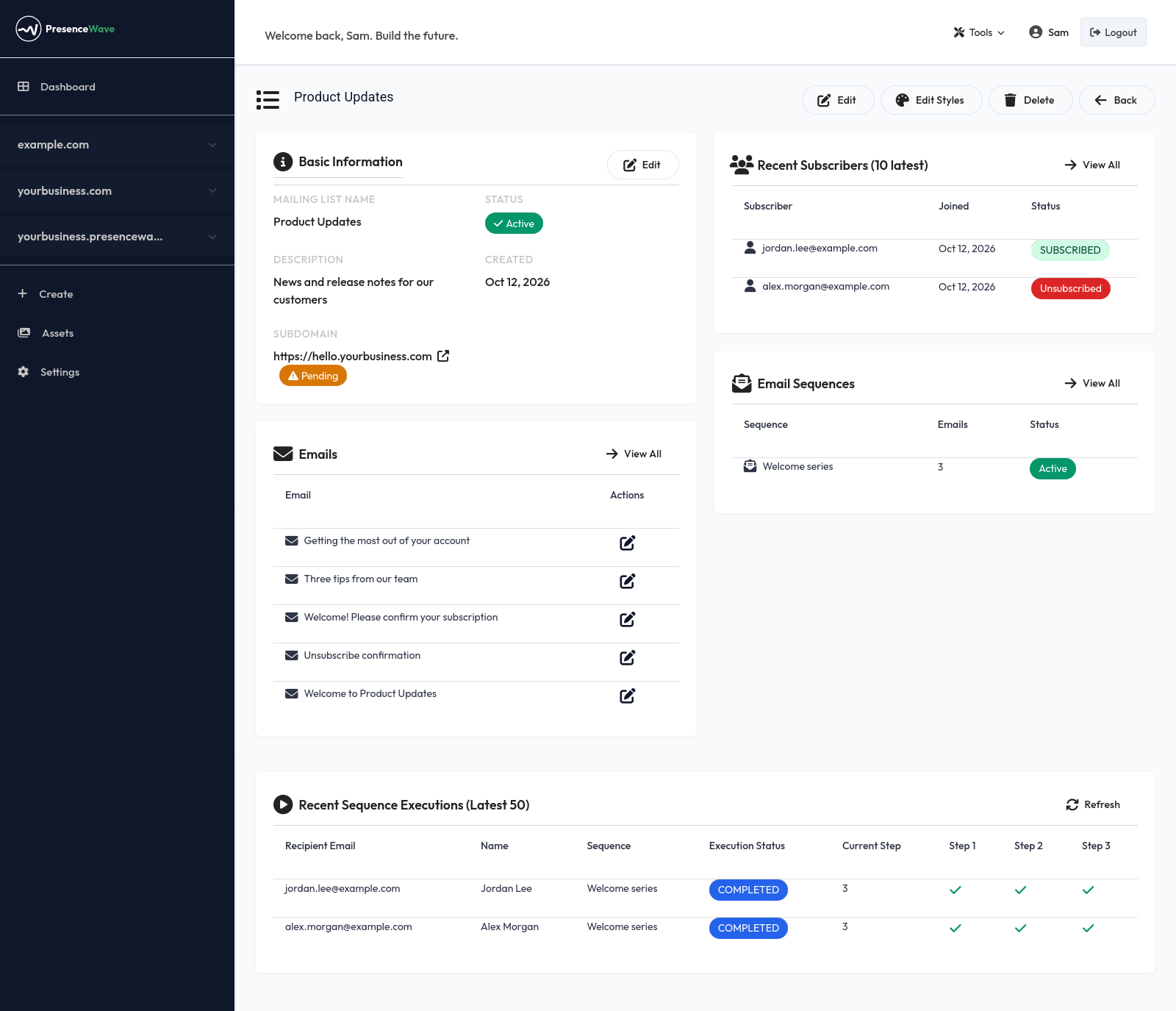
Why bring your own AWS SES:
- Your sender reputation stays yours. Emails go out from your domain, through your SES account, not from a shared pool.
- You pay AWS directly, at AWS rates. There is no per-email markup and no subscriber-count pricing tier from us.
- Your credentials are stored encrypted, and you can send a test email to check the setup before anything reaches a subscriber.
What you can do:
-
Create as many lists as you need. Give a list its own address (
news.yourbusiness.com) or host several lists on one address under different paths (hello.yourbusiness.com/product-updates). -
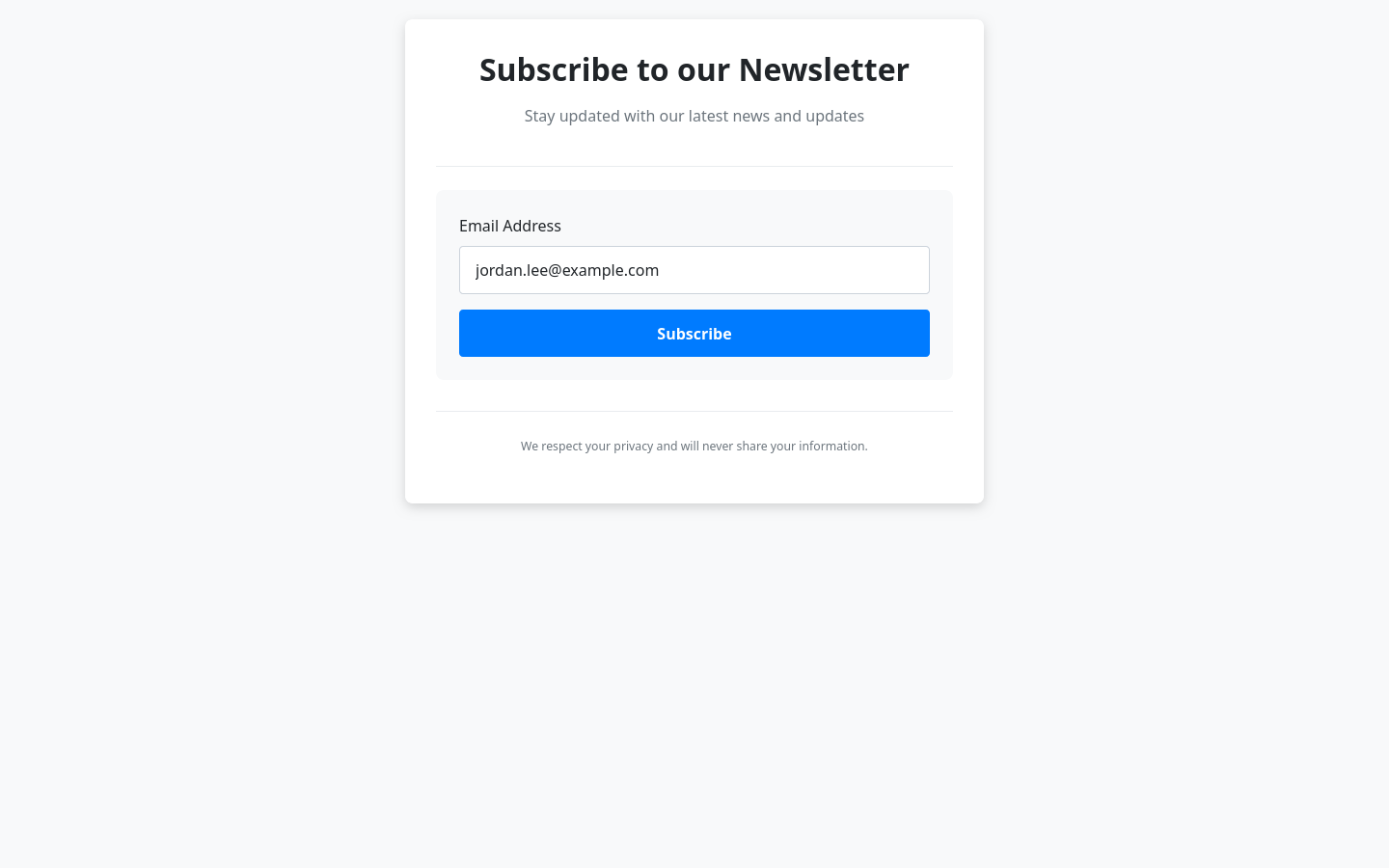
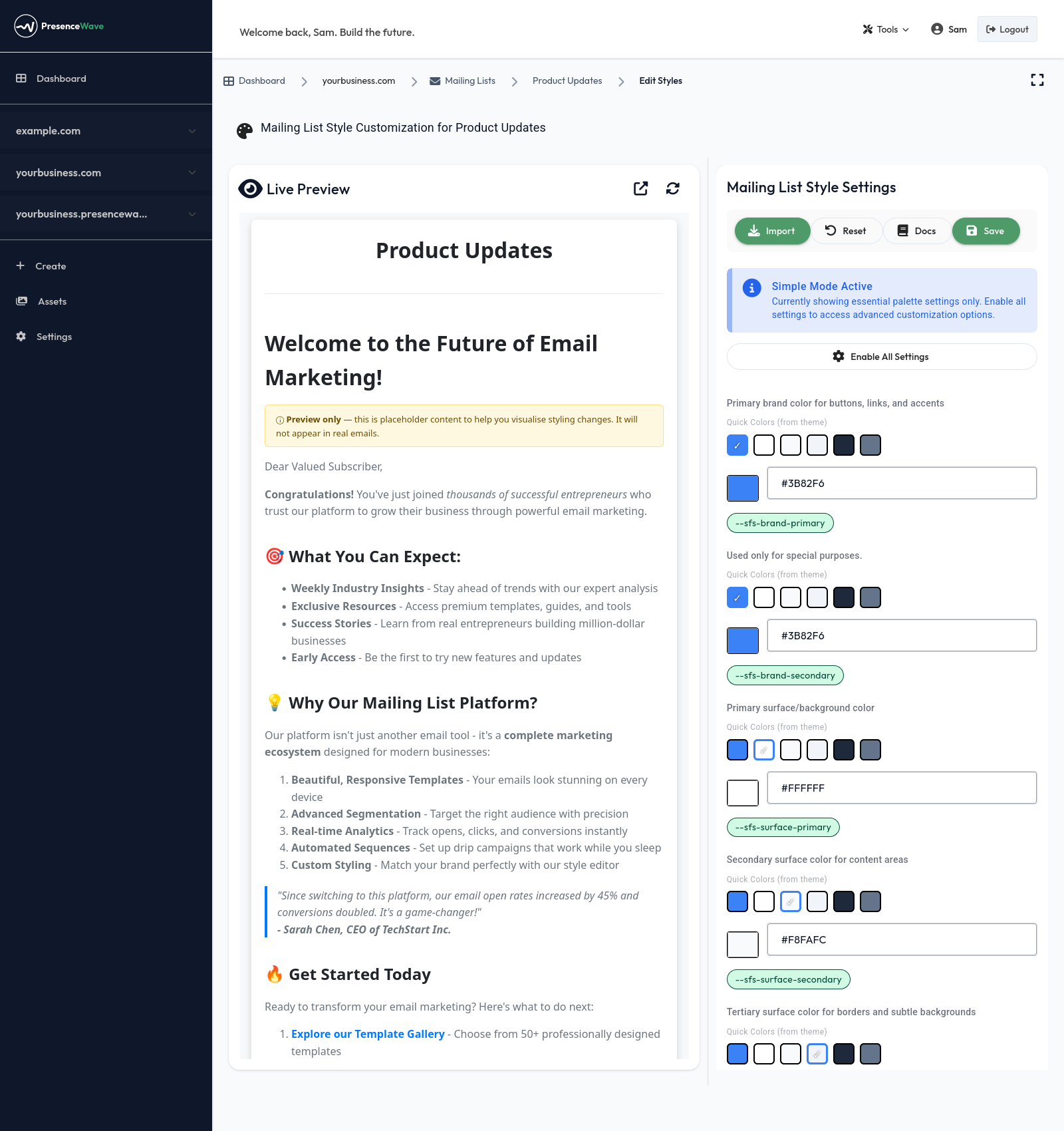
Get a hosted signup page for every list, styled to match your brand, with wording you can edit.
-
Confirm subscribers by email. Double opt-in is built in: people join the list only after clicking the link in their confirmation email.
-
Send email sequences. Line up a series of emails with a delay between each one, and every new subscriber receives them in order.
-
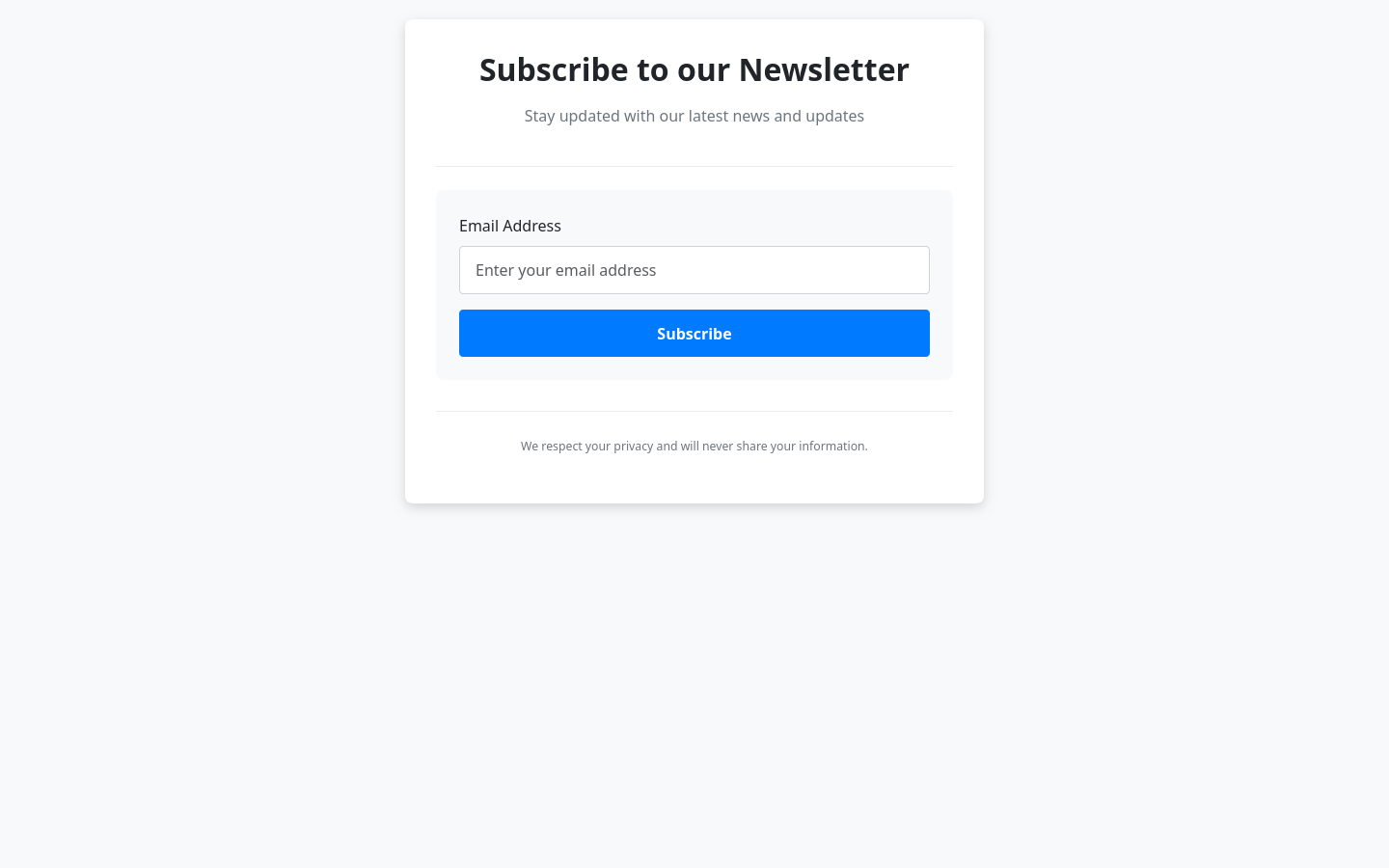
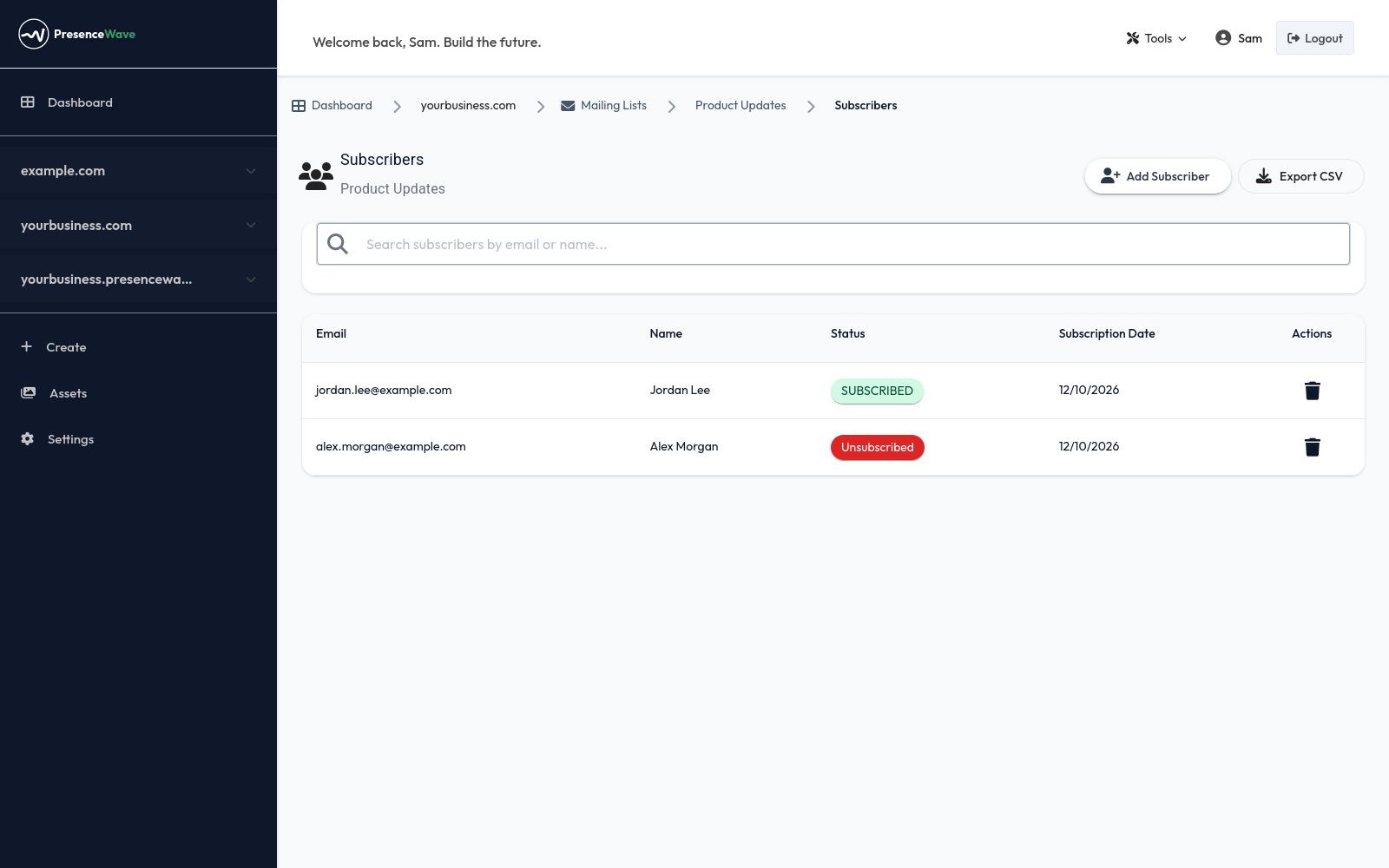
Manage subscribers from the dashboard: add, search, remove and export to CSV. You can also add and list subscribers through the API.
-
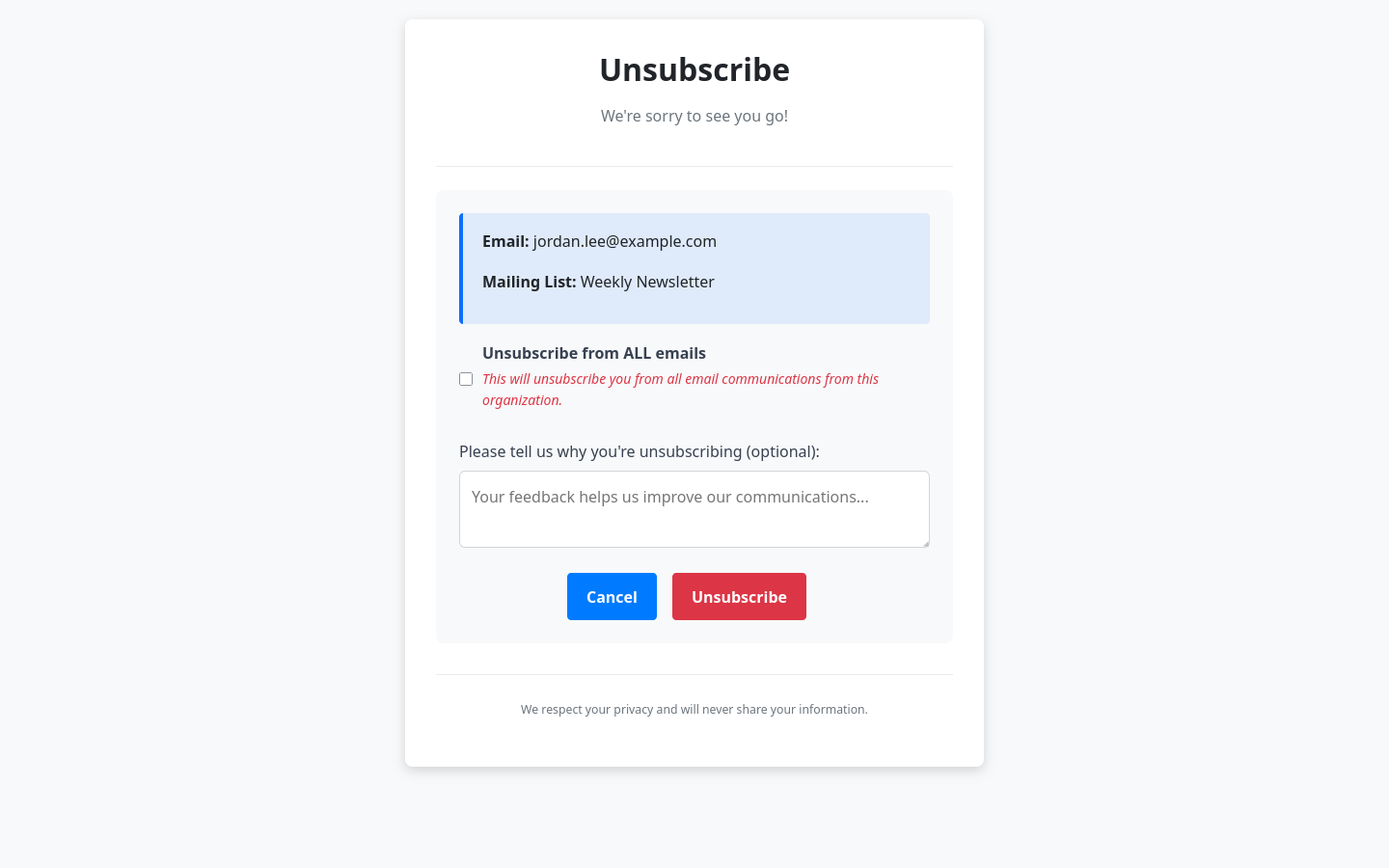
Unsubscribe is handled for you. Every email carries an unsubscribe link, and subscribers can leave one list or all of your emails at once. Someone who has left can sign up again at any time.
Getting started:
- Add your AWS SES access key, region and default sender address in your domain's email settings, then send yourself a test email.
- Create a mailing list and choose its address.
- Share the signup page, or add subscribers yourself.
- Write your emails and, if you want, arrange them into a sequence.
Mailing lists are available in every workspace today.